


© Nortech Software 2018 Privacy policy
Updated 23 May 2018
Elegant simple solutions
Advanced features
Simple productive software
Minimal training required
Low cost
Citizen CLP 521 printer driver configuration file .
This file is also available on Ver 2 Box-office software CDs in a folder called CLP521.
This file is also available on Ver 2 Box-



Select the printer properties Tool tab and click Driver Options
Check all boxes on the Administration tab and click Import.
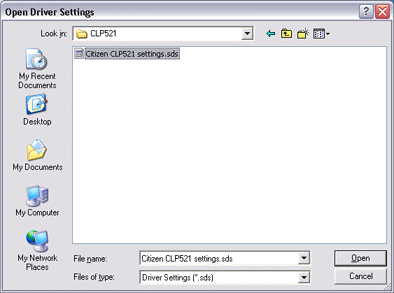
Browse to the location of the configuration file (CD or downloaded from link at top of this page) and select and click Open.
Close printer driver and select Printing preferences. Select the Box-Office 2000 preset from the Page Setup tab.
Citizen CLP 521 Configuration Continued